
Key Takeaways
-
Wrist rests, wrist braces, and compression gloves are three distinct products, each suited to a different part of the WFH day
-
Contour, height, and material (gel versus memory foam) determine how well a wrist rest holds the hands in a neutral position
-
Using a rest while typing, a brace for extra stability, and gloves for recovery can round out a complete WFH routine
Working from home often means longer, less interrupted stretches at the keyboard than a typical office day allows. At a desk job, wrists can spend hours in the same position, which can lead to discomfort and musculoskeletal issues, such as carpal tunnel.
Choosing the right wrist support and understanding how it differs from other typing accessories, like compression gloves, is one of the simplest ways to build a more comfortable home office setup.
What Is Wrist Support, and Why Does It Matter for Typing?
There are multiple types of wrist supports, including wrist rests and braces. A wrist rest is a padded accessory placed in front of a keyboard or mouse to help keep the wrist in a straight, neutral position while typing. It sits on the desk and supports the wrist passively as the hands move across the keys.
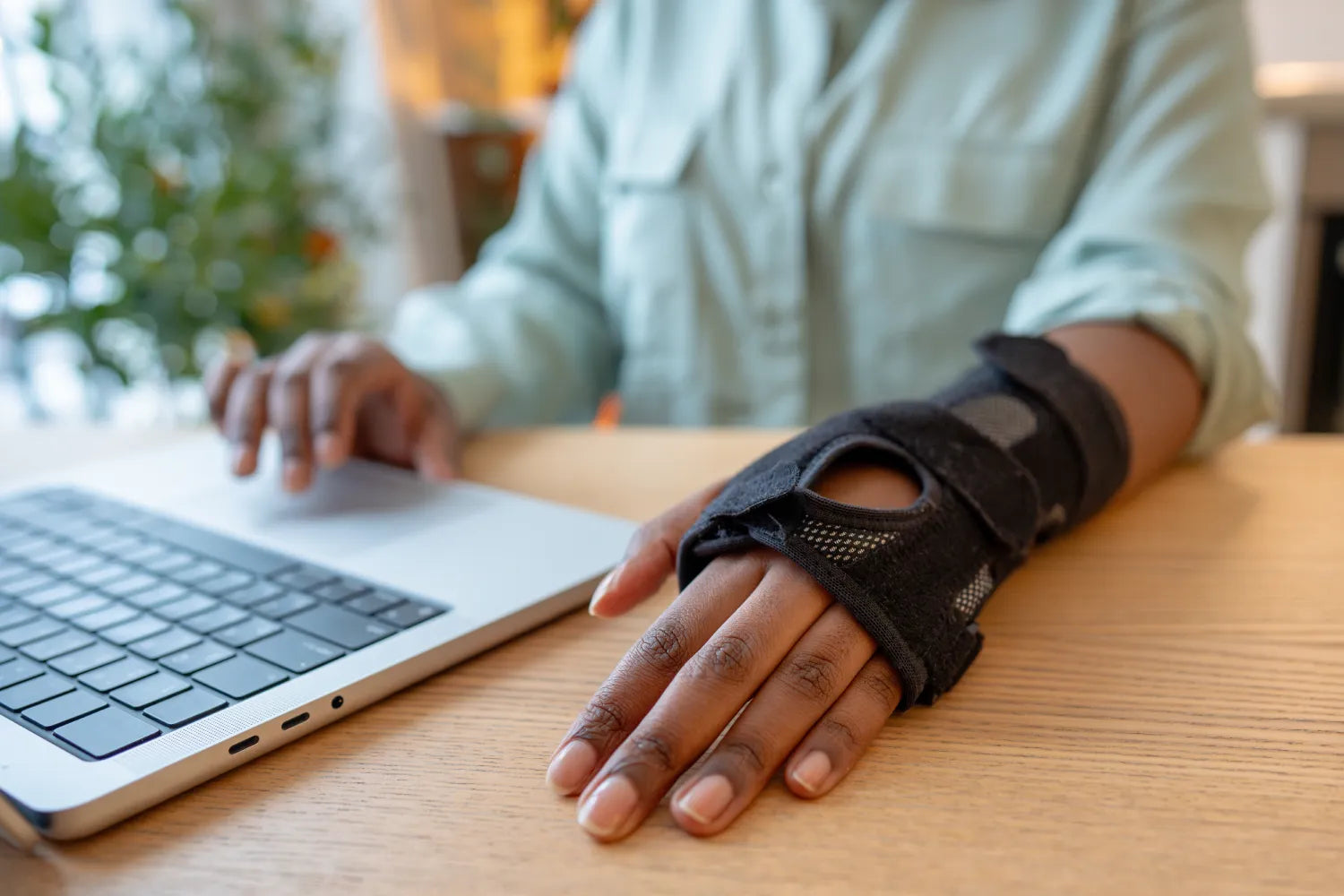
A wrist brace, meanwhile, wraps around the wrist and provides adjustable compression and stability. Along with keeping the wrist in a neutral position, the compression supports healthy blood flow to ease discomfort.
Unlike a wrist rest, a wrist brace can be worn while typing or at other times during the day when extra support is needed. Where a rest holds the wrist in place from below, a brace works with the wrist itself, offering more direct, wearable support.
The added stability provided by wrist rests and braces is key because bending the wrist upward or to the side during repetitive tasks increases stress on the tendons that run through it. According to OSHA's guidance on computer workstations, wrist and palm supports have been shown to reduce muscle activity and help maintain neutral wrist angles when used correctly.
What To Look for in a Wrist Support
Not all wrist rests are built the same, and a few key features make a real difference for all-day comfort.
Contour and Shape
A contoured wrist rest cradles the wrist rather than flattening it, which helps maintain the straighter, in-line posture OSHA recommends. Flat, unshaped pads can still leave the wrist bent slightly upward.
Height
Height matters more than people expect. OSHA recommends matching the wrist support to the height and slope of the keyboard's front edge, since a rest that sits too high or too low forces the wrist into an awkward angle, undermining the purpose of using one in the first place.
Gel vs. Memory Foam
Gel supports tend to feel firmer and cooler to the touch, distributing pressure evenly across the wrist. Memory foam contours more closely to the individual's hand shape over time and tends to feel softer. Neither is objectively better; it typically comes down to personal preference and how warm or firm you want the support to feel during long sessions.
Building a Full WFH Routine With a Rest, a Brace, and Compression Gloves
These three products are not competing for the same job. Each fits a different part of the day.
-
A wrist rest supports the wrist while actively typing, keeping it in a neutral position during the task itself
-
A wrist brace can be worn during typing for added stability, or during other tasks when the wrist needs more direct, adjustable support
-
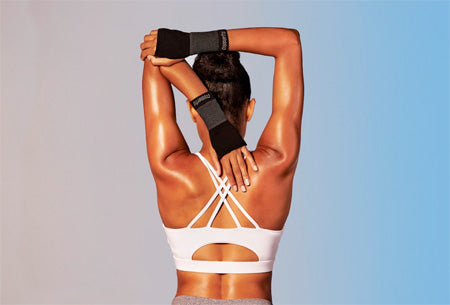
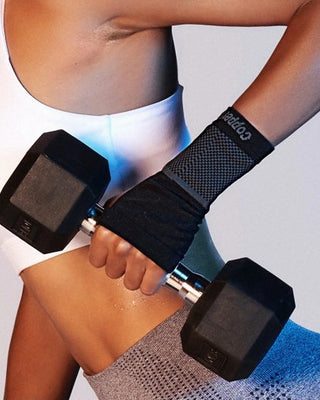
Compression gloves are better suited for breaks, the end of the workday, or moments when hands and wrists feel tense from repetitive use
Building in small breaks matters, too. Research has found that micro breaks and rotating tasks throughout the day reduce repetitive strain, rather than relying on any single product to do all the work.
In short, the most effective WFH setup usually combines a properly fitted wrist rest, a brace for extra support when needed, and recovery-focused accessories after the keyboard is closed.
FAQ
How often should I take breaks during long typing sessions?
Short micro breaks every 20 to 30 minutes, along with occasional task rotation, are commonly recommended to reduce repetitive strain during computer work.
Can a wrist rest help with typing posture overall, or just wrist position?
It primarily supports wrist and hand posture, though pairing it with proper chair, desk, and monitor height contributes to better posture overall.
Is memory foam or gel better for all-day WFH use?
Both work well; gel tends to feel firmer and cooler, while memory foam contours more closely and feels softer over time.
Should I use a wrist rest even if I don't feel discomfort yet?
Yes, proactive support can help maintain neutral positioning before tension builds, rather than waiting until discomfort sets in.
Here at Copper Fit, we know that a comfortable WFH setup doesn't stop at the desk. Our compression gloves and sleeves are designed to help soothe tension and support healthy blood flow once the workday winds down, so your hands and wrists can recover before the next long stretch at the keyboard begins.
Sources:
Computer Use and Carpal Tunnel Syndrome: A Case-control Study | PMC