Key Takeaways
-
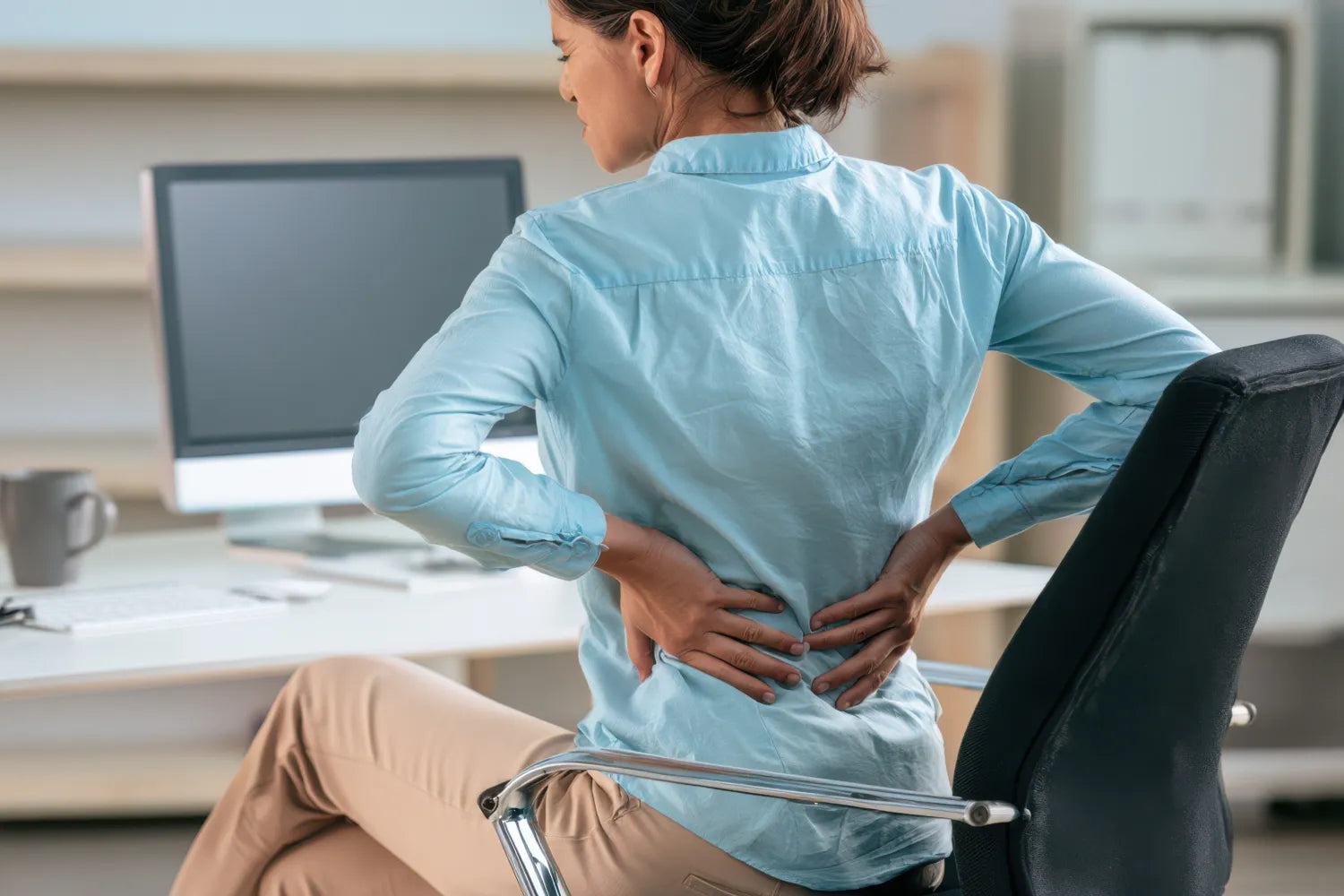
Prolonged sitting shifts your spine out of its natural curve, which is one of the biggest contributors to lower back tension for desk workers.
-
Not all lumbar support is the same. Cushions, braces, and wraps each solve a different problem depending on your chair and how long you sit.
-
Where you place your lumbar support matters as much as which one you buy. Even the right product won't help much if it's positioned incorrectly.
If you spend most of your workday sitting, there’s a good chance you're already familiar with lower back discomfort. With more people working from home or in hybrid setups than ever before, many are doing it from chairs that were never designed for eight-hour days.
If you’re here because your body is feeling the stress of too many hours in an unsupportive office chair, we’ve got your back. This guide explains why office chairs contribute to lower back tension, the differences among lumbar cushions, braces, and wraps, and how to choose the right one for your setup.
Why Office Chairs Cause Lower Back Tension
The lower spine has a natural inward curve, known as the lumbar curve. When you sit, especially for long stretches, that curve tends to flatten out or round in the opposite direction as your muscles relax and your posture slides. Over time, this puts extra load on the lower back and surrounding muscles.
Office ergonomics, including chair height, equipment spacing, and desk posture, all play a role in whether your body stays comfortable throughout the workday. Mayo Clinic also notes that no matter how well a workspace is set up, sitting in the same position for hours at a time isn't good for the body, and recommends getting up to move throughout the day whenever possible.
A few common culprits behind desk-related back tension include:
-
Chairs with flat or minimal back support. Many standard office chairs, and especially dining chairs or couches used in home offices, don't follow the natural curve of the spine at all.
-
Long, uninterrupted sitting stretches. Sitting reduces movement and circulation, which can contribute to stiffness over the course of a day.
-
Screen-driven posture habits. Leaning forward toward a monitor or laptop pulls the whole spine out of alignment, not just the neck.
-
Improvised home office setups. A large share of today's workforce works from home at least part of the week, often on furniture that was never intended for full workdays.
Giving your lower back consistent support that matches its natural curve, whether that support comes from the chair itself or from something you add to it, can help you feel more comfortable throughout the workday.
Lumbar Cushion vs. Brace vs. Wrap: Which One Do You Need?
Lumbar support isn't one-size-fits-all. The right choice depends on your chair, how long you sit, and whether you need support only at your desk or throughout the day.
Lumbar Cushions and Pillows
Lumbar cushions are designed to support the lower spine’s natural curve, and typically strap to the back of almost any chair and provide passive support while you sit. Placing a cushion in the small of the back can help fill the gap between a flat chair back and the natural curve of the spine.
Cushions work well for people who mostly need support while seated and don't need to wear anything away from the desk. Placing a rolled-up towel between your chair and your spine’s lumbar curve can also serve as a low-cost alternative to a lumbar pillow.
Compression Back Braces
Wearable back supports take a different approach. Rather than relying on the chair, a brace works directly on the body, so it moves with you. It’s ideal if you need back support that can go with you from the desk to the conference room, or if you work from home and shift between seats throughout the day.
Posture-Support Wraps
If your main struggle is rounded shoulders or a forward-leaning posture rather than lower back tension specifically, a support that pulls the shoulders back can help retrain posture over the course of the workday.
How To Position Lumbar Support Correctly
Buying the right product is only half the equation. Positioning it correctly matters just as much.
-
Aim for the natural curve of your lower back, generally around belt-line height, not lower on the tailbone or higher on the mid-back.
-
Make sure it sits snugly against the chair back so it doesn't shift or slide out of place throughout the day.
-
Adjust your chair before adding support. Per OSHA's guidance on computer workstations , chair height and seat depth should be adjusted so your feet rest flat on the floor and your knees are roughly level with your hips. No cushion or brace can fully compensate for a chair that doesn't fit your body to begin with.
A common mistake is placing support too low, where it presses against the tailbone instead of the lower back, or too high, where it supports the mid-back and does little for the lumbar curve. For a full breakdown of correct placement, including how positioning changes based on chair type, see our companion article on lumbar support positioning.
Top Picks for Lower Back Support
Once you know which category of support fits your situation, the next step is finding a specific product that matches how your day actually unfolds. Desk jobs put different kinds of strain on different people, so the right pick often comes down to whether you need recovery, all-day wear, or posture correction.
Below are three options worth considering.
Rapid Relief Back Support
This stabilizing back support pairs adjustable compression with the flexibility to use hot or cold therapy, so it can adapt to how your back feels at different points in the day. Cold can help soothe tension after a long stretch of sitting, while heat can help promote muscle relaxation later in the evening, giving you one product that covers both the workday and post-work recovery.
X-Back
Our X-Back brace is built around a seamless, anti-chafing knit designed to sit comfortably under clothing, with moisture-wicking material that holds up through extended wear. Customizable straps offer advanced back support and increased compression coverage for relief at the office or on the go.
Max Back + Posture Support
MAX Back + Posture Support takes a dual-action approach, combining a reinforced upper-back posture panel with an adjustable X-Compression System that targets the lower back simultaneously. This means it helps encourage better posture while also supporting the lower back.
Once you've narrowed down the product that fits your day, the next step is to make sure you're using and positioning it the right way.
Other Tips To Support Your Lower Back at a Desk Job
Lumbar support products help, but they work best alongside a few other habits:
-
Move every 30 to 60 minutes. Set a timer or use movement reminders to stand, stretch, or walk briefly. Mayo Clinic specifically recommends getting up and walking around as often as possible throughout the workday.
-
Keep your screen at eye level. A monitor that's too low forces your neck and upper back forward, which can cascade down into lower back tension.
-
Keep feet flat on the floor. If your chair is too tall for this, a footrest can help maintain proper alignment.
-
Consider a sit-stand desk converter.Breaking up long sitting stretches with short standing periods can reduce the load on your lower back over the course of a day.
-
Stretch your hip flexors and hamstrings.Tightness in these areas pulls on the pelvis and lower back, so a few minutes of stretching can make a noticeable difference.
-
Build core strength over time.A stronger core helps share the load with your lower back during long periods of sitting.
FAQ
Do I need a lumbar cushion if my office chair already has some back support?
Many "ergonomic" chairs offer general back support but not true lumbar-specific support. If you still notice tension by the end of the day, an added lumbar cushion or brace can help target that curve more precisely.
Can I use lumbar support if I work from a couch or a non-office chair?
Yes. Compression braces and wraps are especially useful here since they attach to your body rather than the chair, so they work no matter what you're sitting on.
How long can I wear a compression back brace during the workday?
Most people can wear one comfortably throughout a workday, but it's a good idea to take occasional breaks to move around rather than relying on any single support all day without a stretch break.
Should I use heat or cold for lower back tension from sitting?
Cold is generally used for more recent tension, while heat is better suited to tension that has built up over time. A hot and cold product gives you the flexibility to choose whichever fits your day.
The Bottom Line
Here at Copper Fit, we know what it's like to push through a long workday only to feel it in your lower back by 5 p.m. The cycle of tension, stiffness, and slow recovery is exactly what we set out to help people avoid.
Whether you need the versatility of hot and cold therapy in Rapid Relief Back Support, the discreet all-day compression of X-Back, or the posture-focused design of Posture Support, our goal is the same: help you stay comfortable, stay supported, and stay moving through whatever your day looks like, desk included.
Sources:
Office ergonomics: Your how-to guide | Mayo Clinic
Setting up your home workspace | Mayo Clinic Health System
8 Posture Exercises To Sit and Stand Straighter | Cleveland Clinic